


Page 208 - CITS - CSA - TP (Volume 2) - Hindi
P. 208
कं  ूटर सॉ वेयर ए ीके शन - CITS


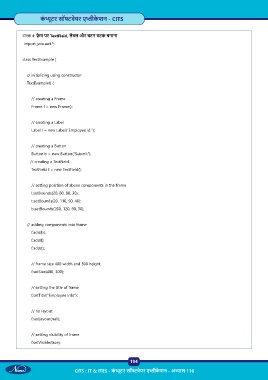
           टा  4:  े म पर TextField, लेबल और बटन घटक बनाना
            import java.awt.*;


           class TextExample {


               // initializing using constructor
               TextExample() {


                   // creating a Frame

                   Frame f = new Frame();


                   // creating a Label
                   Label l = new Label(“Employee id:”);


                   // creating a Button
                   Button b = new Button(“Submit”);
                  // creating a TextField
                   TextField t = new TextField();


                   // setting position of above components in the frame

                   l.setBounds(20, 80, 80, 30);
                   t.setBounds(20, 110, 90, 40);
                   b.setBounds(200, 120, 90, 30);


               // adding components into frame

                   f.add(b);
                   f.add(l);
                   f.add(t);


                   // frame size 400 width and 300 height
                   f.setSize(400, 300);


                   // setting the title of frame
                   f.setTitle(“Employee info”);


                   // no layout

                   f.setLayout(null);


                   // setting visibility of frame
                   f.setVisible(true);


                                                           194

                                  CITS : IT & ITES - कं  ूटर सॉ वेयर ए ीके शन - अ ास 116

